Built for Volunteer / Rural
Practical workflows for departments with limited admin time and mixed device use.
Self-Hosted for Volunteer Departments
AutoAlertFD helps volunteer and rural fire departments turn radio dispatch traffic into structured incidents, mobile alerts, responder accountability, and report-ready records without depending on CAD integration.
Built to support official dispatch operations, not replace them.
Practical workflows for departments with limited admin time and mixed device use.
Designed for radio-first departments that still need structure and visibility.
Unified incident visibility across member mobile apps and officer dashboard tools.
This is built for departments that need a usable operations layer around dispatch, turnout, and reporting without adding another fragile integration project.
Self-hosted, department-controlled, and designed to work alongside existing dispatch practice.
The platform is organized around dispatch follow-through, not generic software categories.
Monitors dispatch/radio flow and structures incident context into usable fields.
Sends mobile alerts with location, notes, and dispatch detail.
Shows who is responding and who is unavailable as turnout develops.
Keeps truck staffing and assignment information clearer for officers.
Supports staging, active, hot zone, truck ops, and acknowledged-not-arrived status.
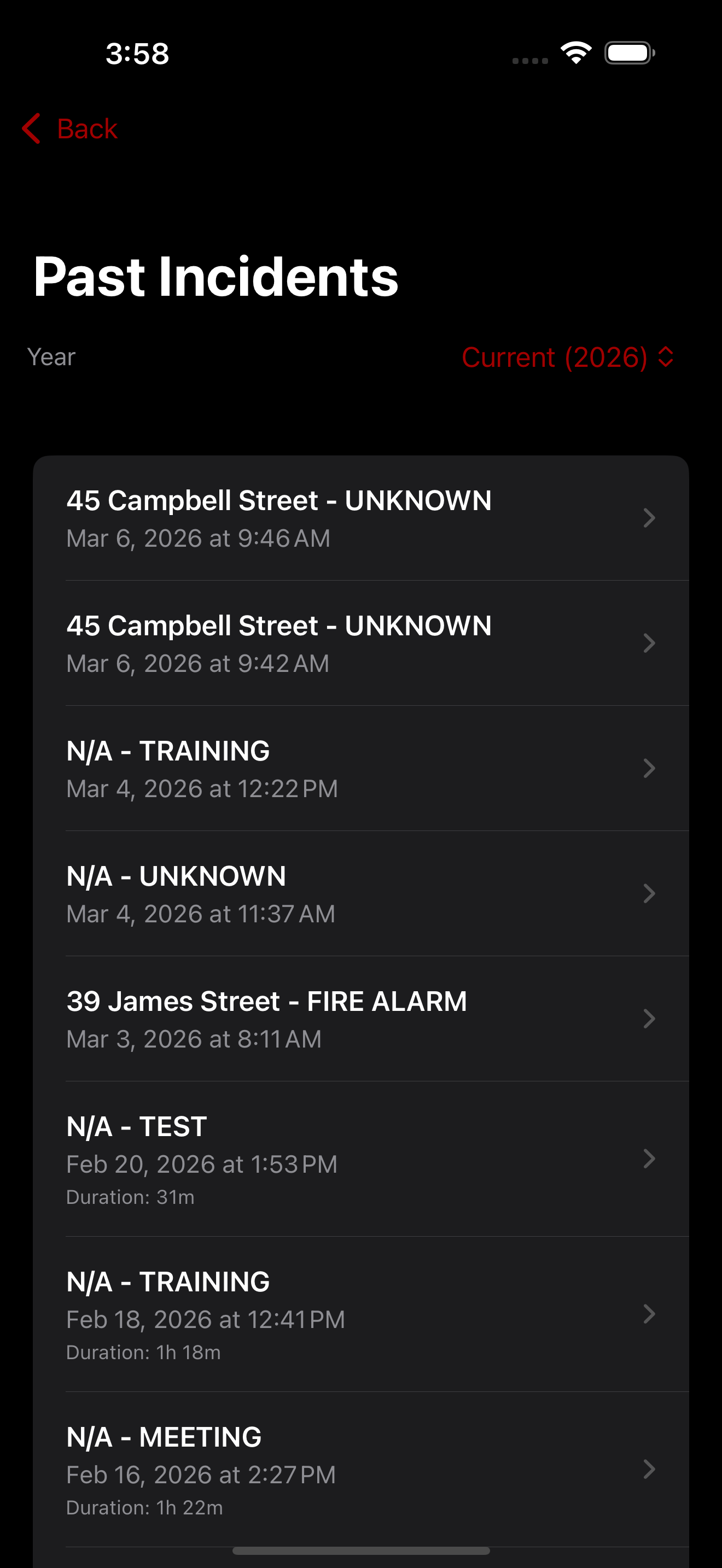
Maintains reviewable incident data, audio, and archived context.
Reduces reconstruction work by carrying operational data into reporting flow.
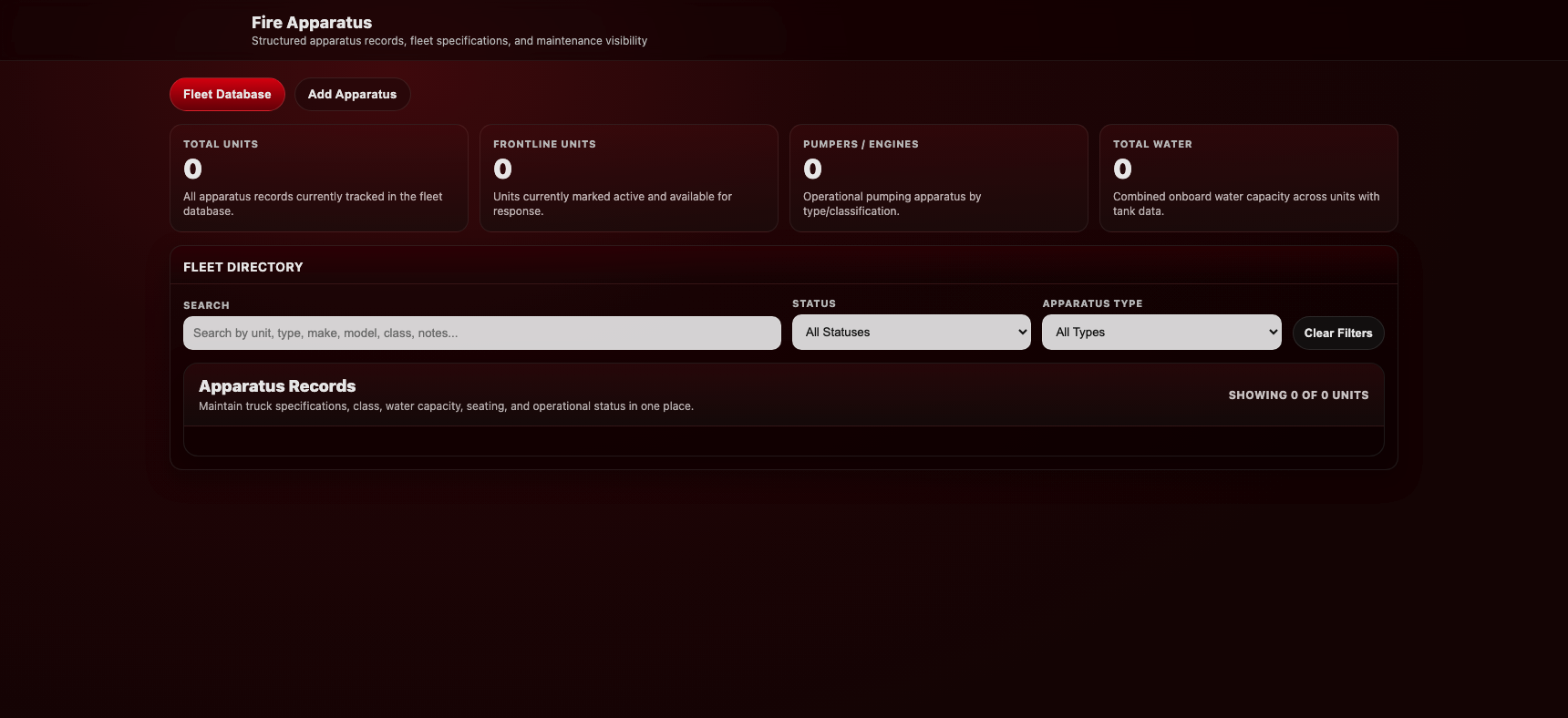
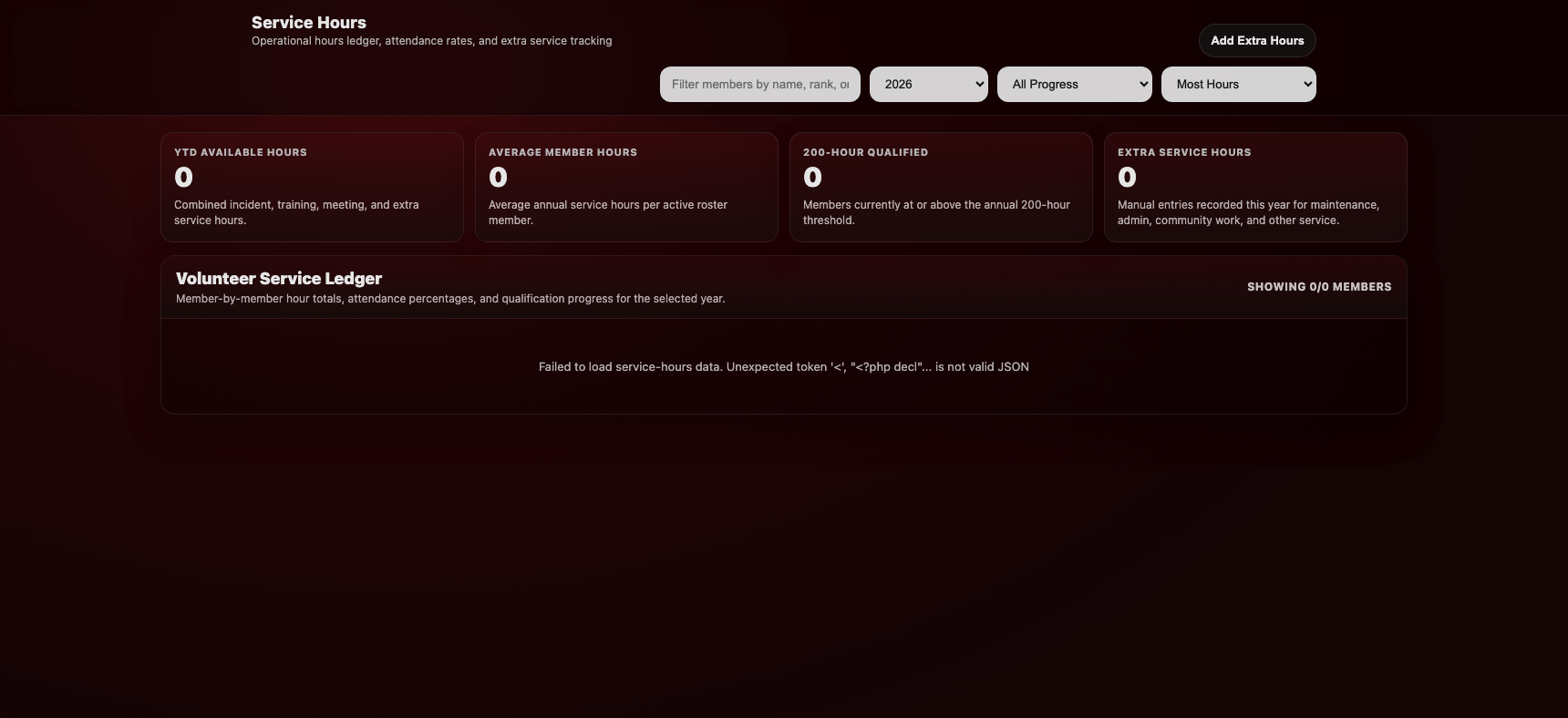
Includes service logs, SCBA workflow, bottle tracking, and admin review tools.
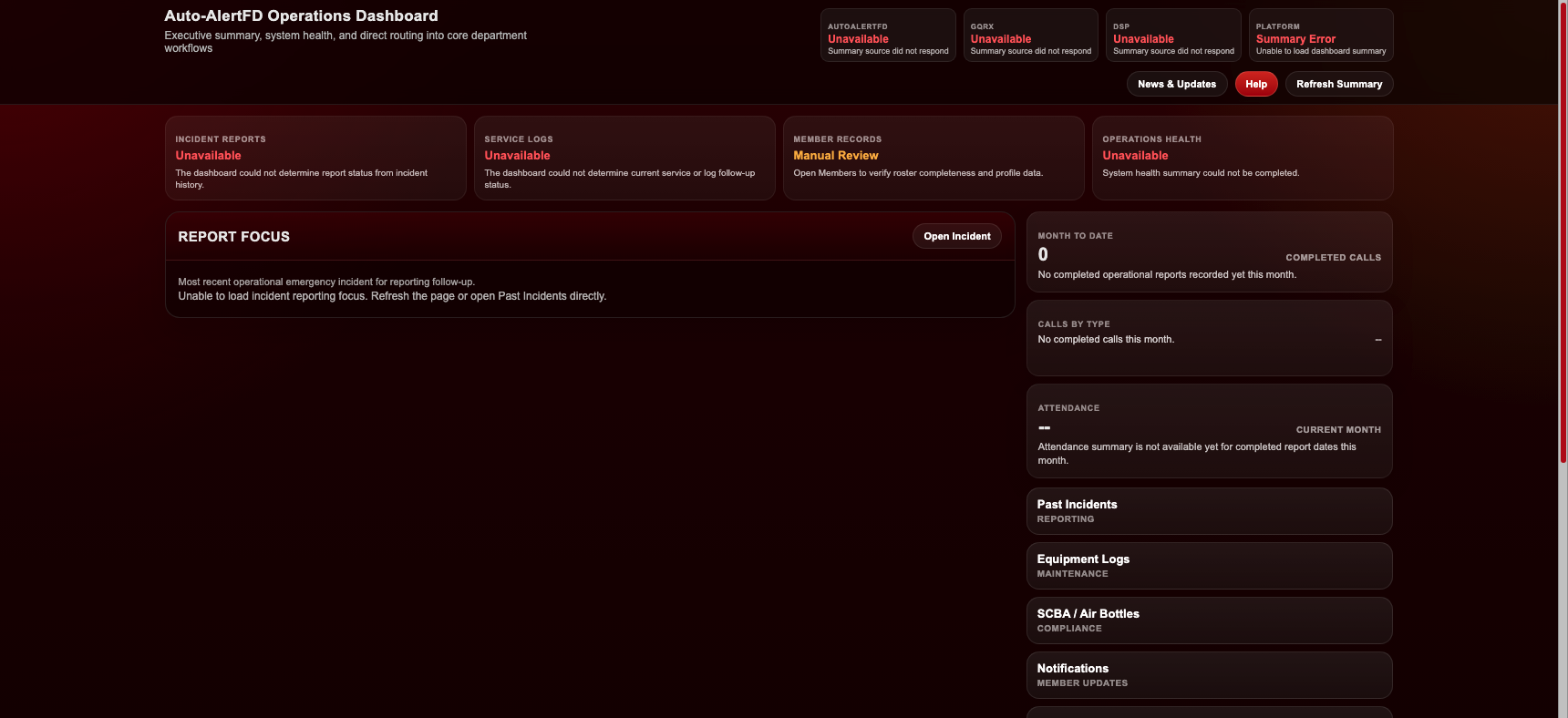
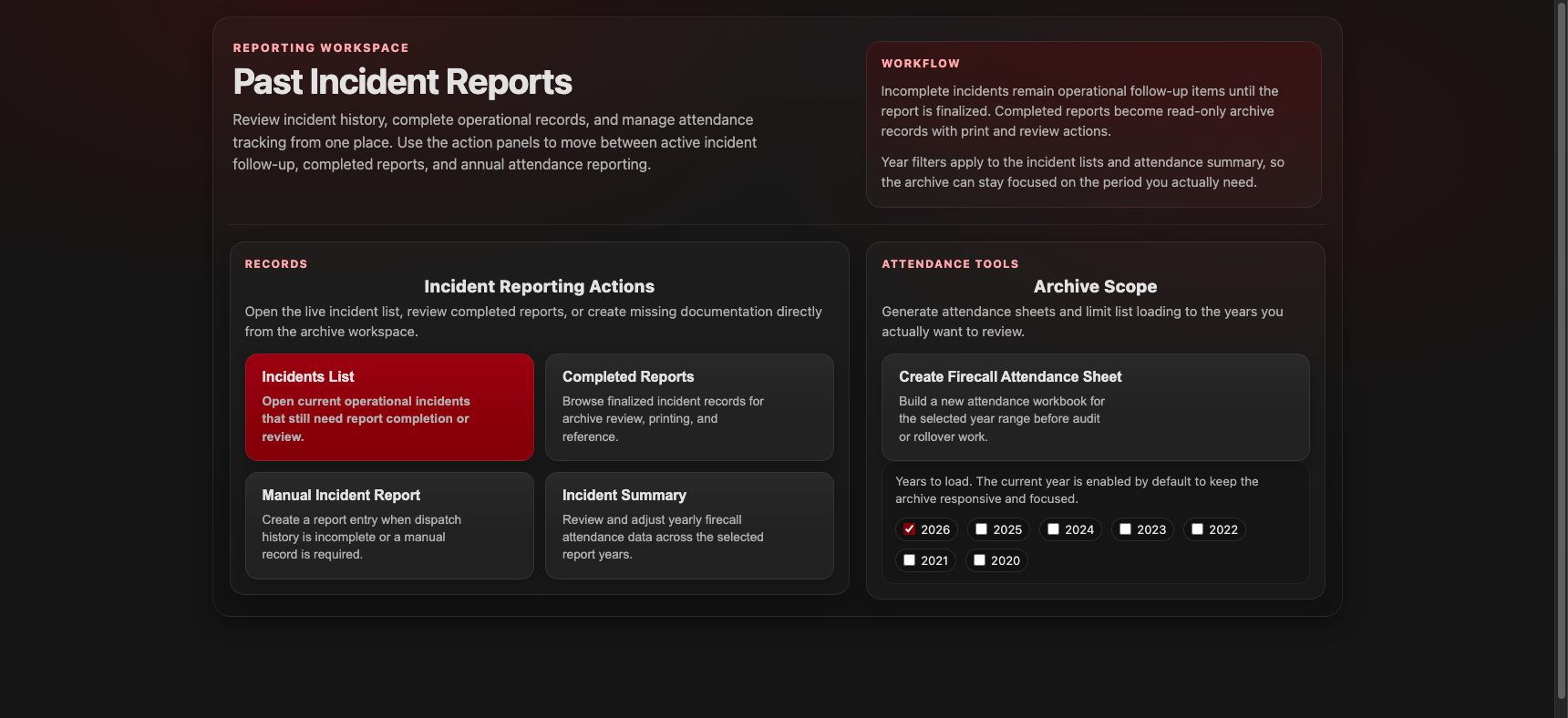
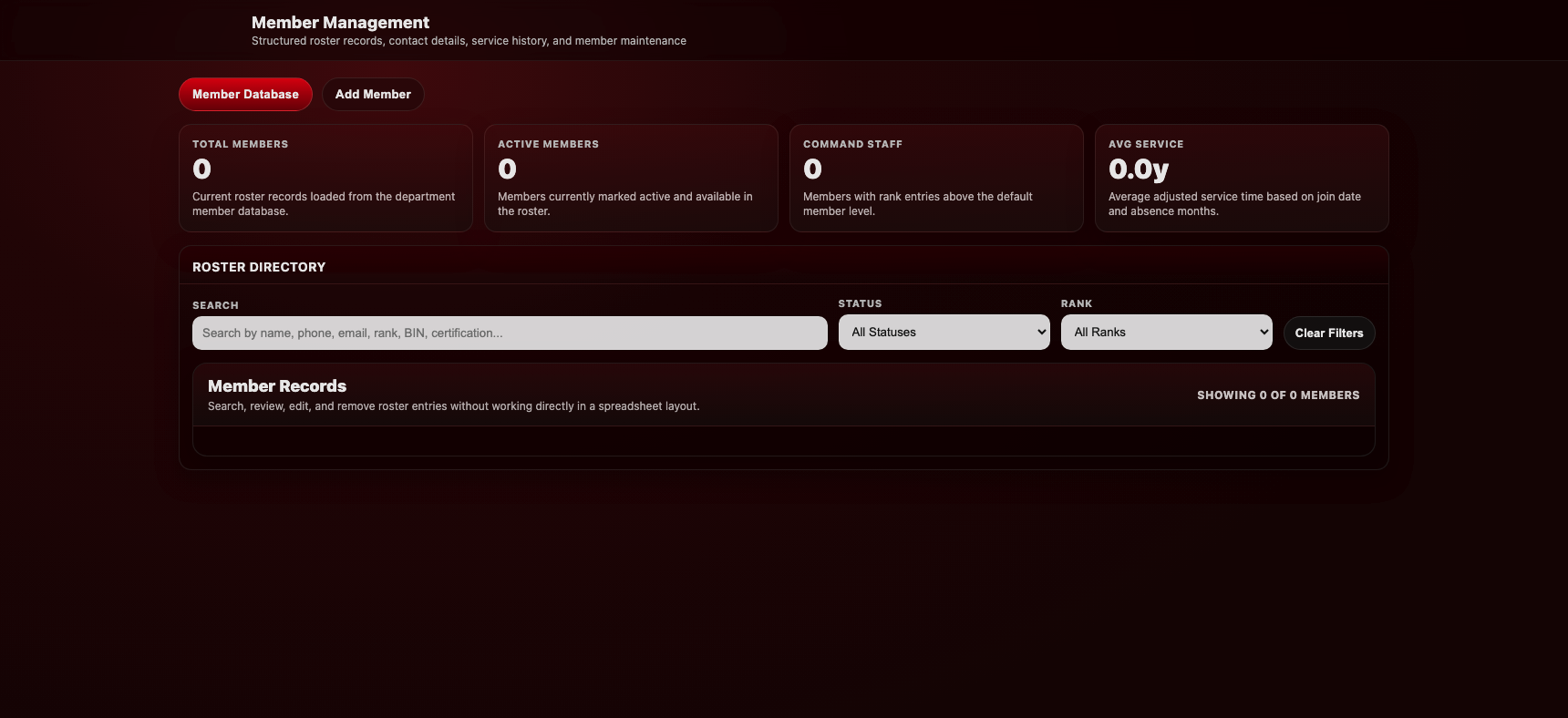
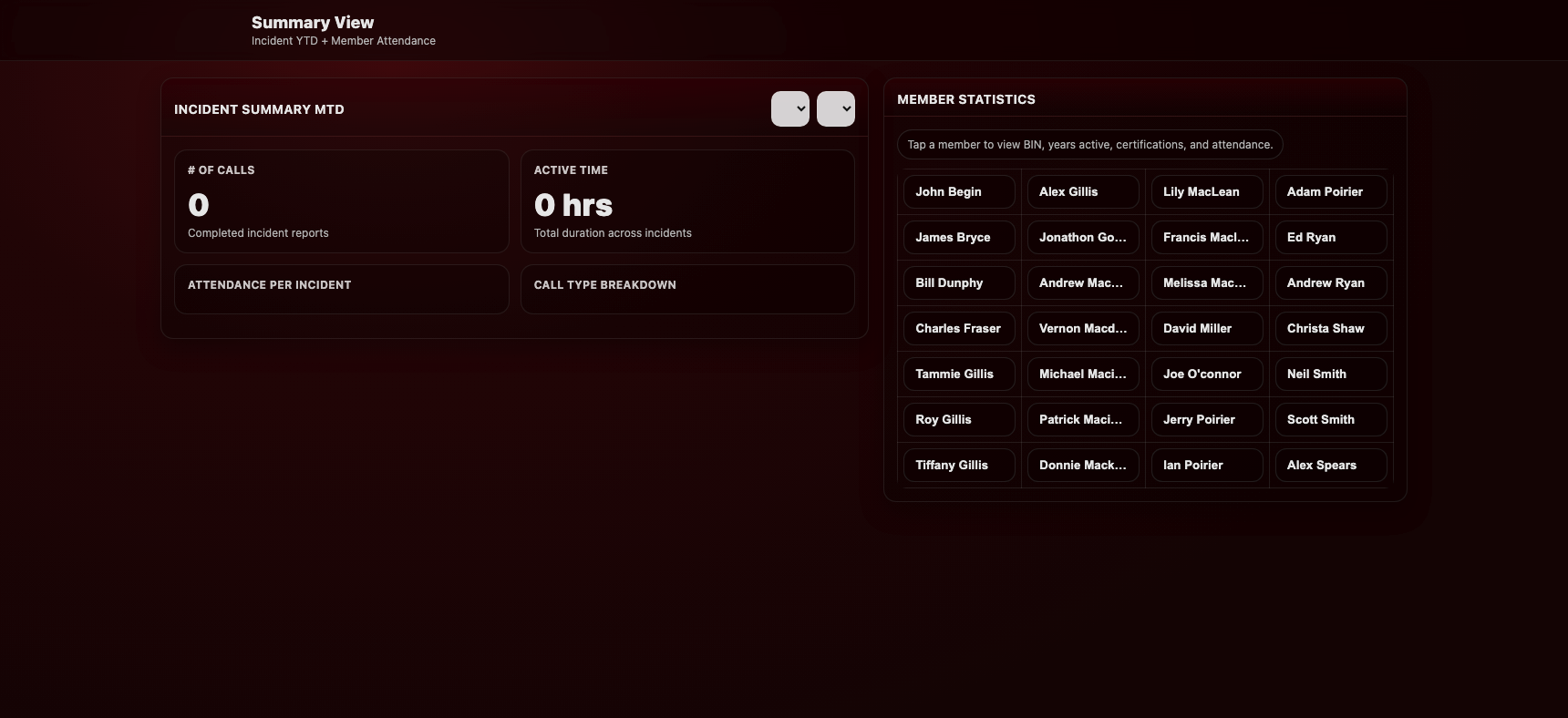
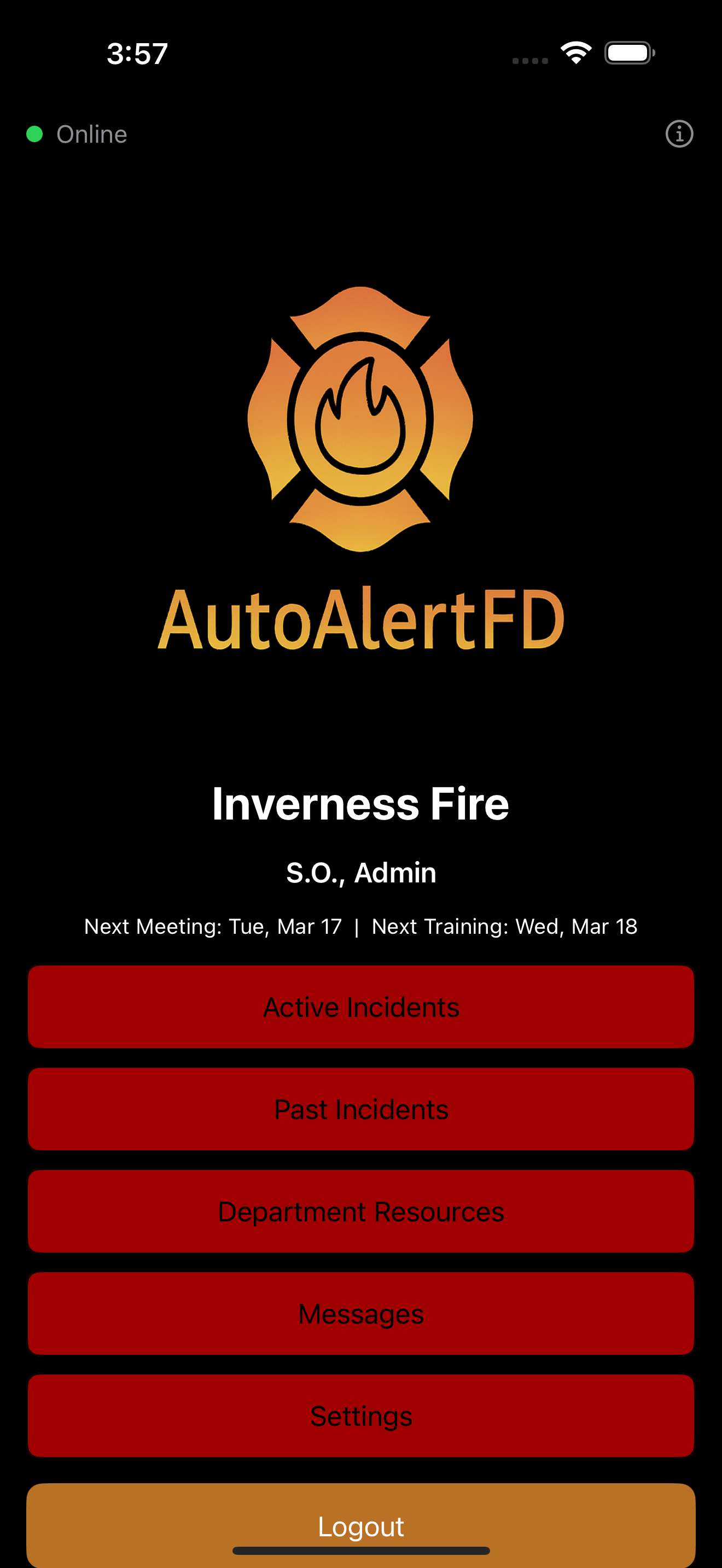
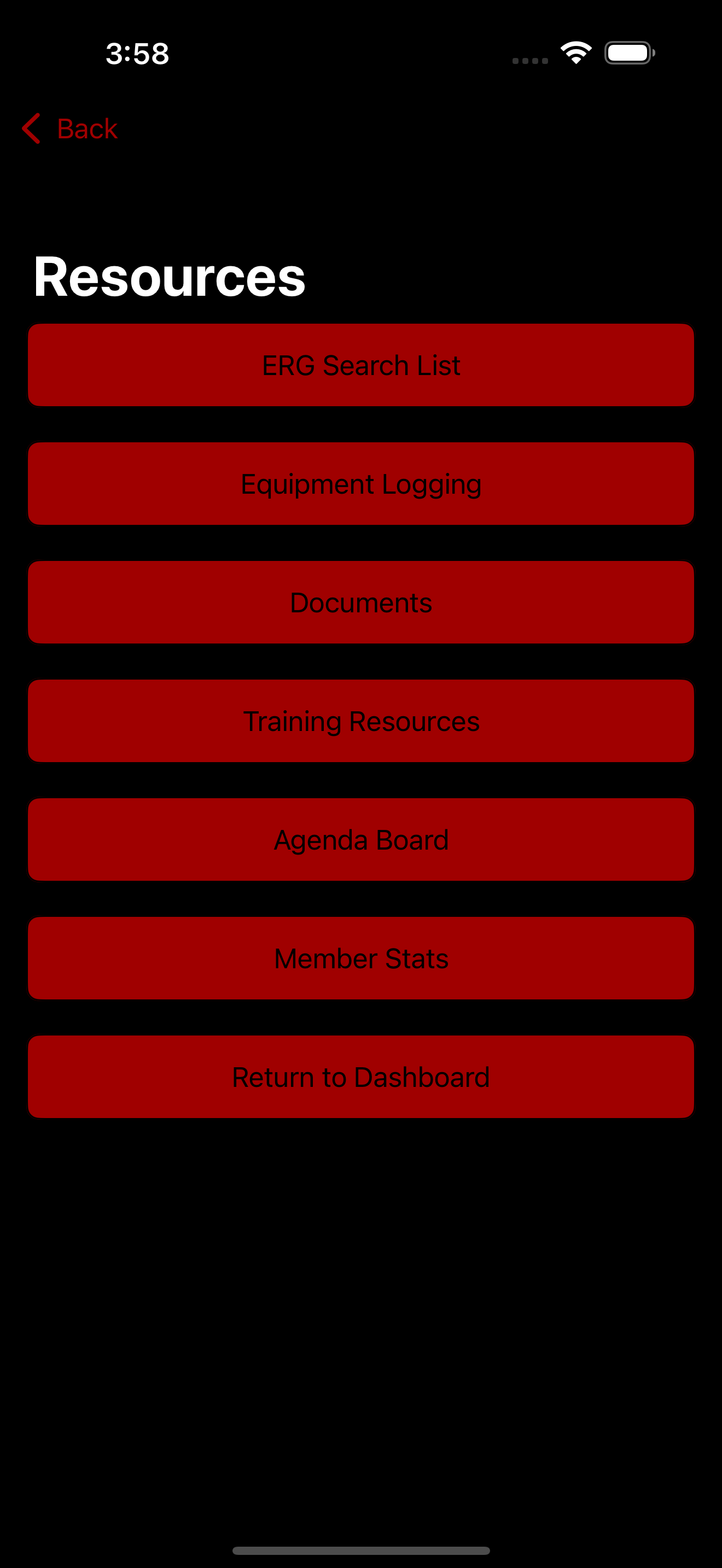
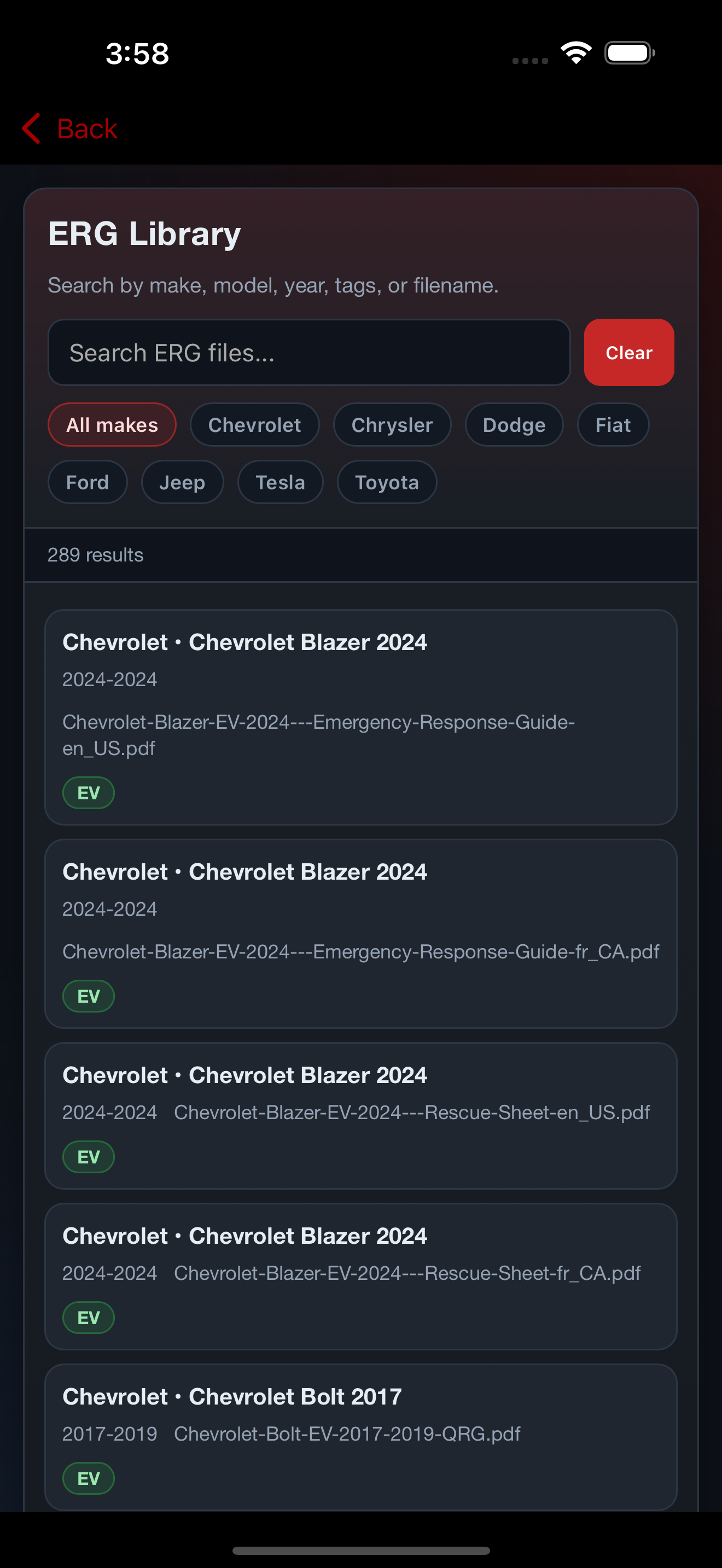
Review the dashboard and mobile app surfaces used during response, follow-up, and department administration.
Incident reporting, staffing, notifications, compliance, and department admin tools.
Responder workflow, incident review, department resources, and member messaging.
Equivalent incident, turnout, messaging, and operations support on Android devices.
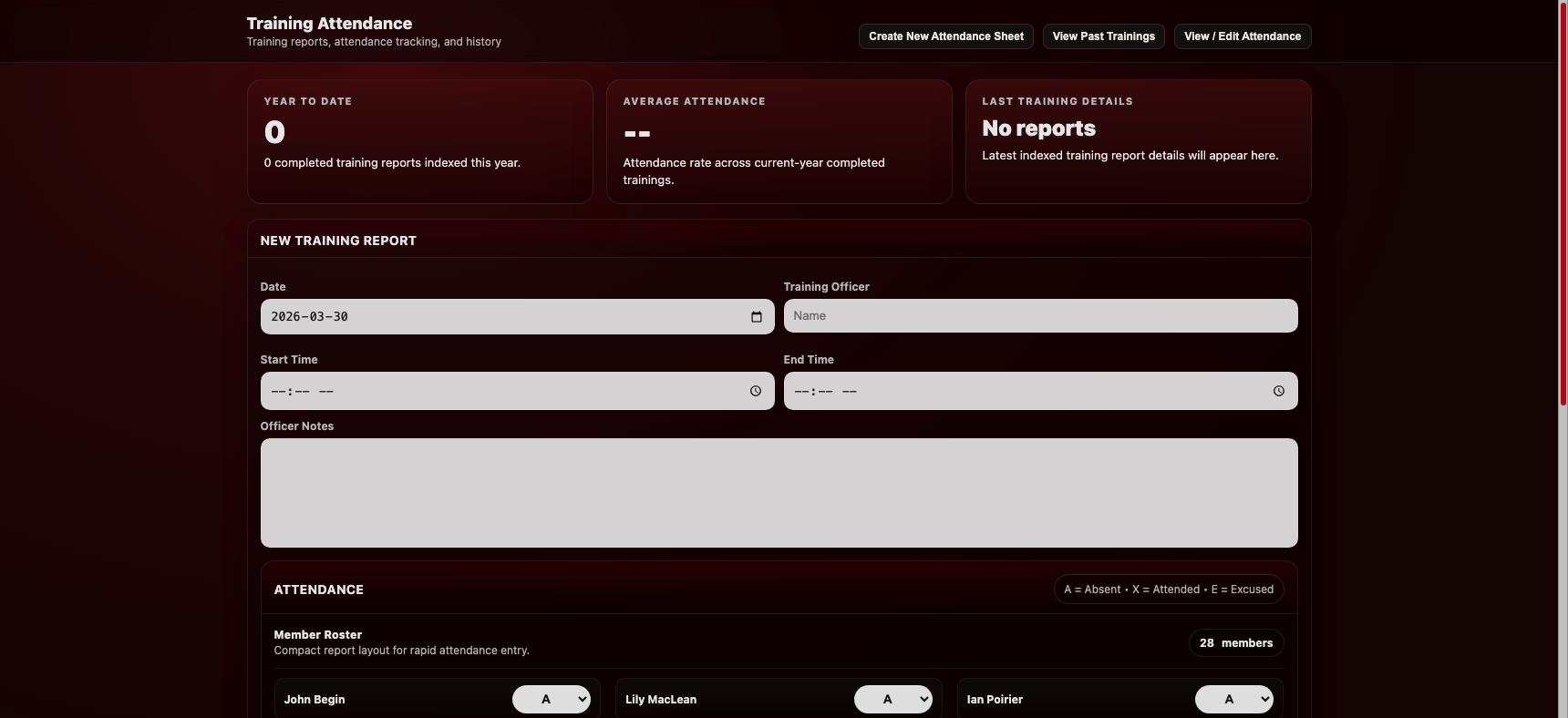
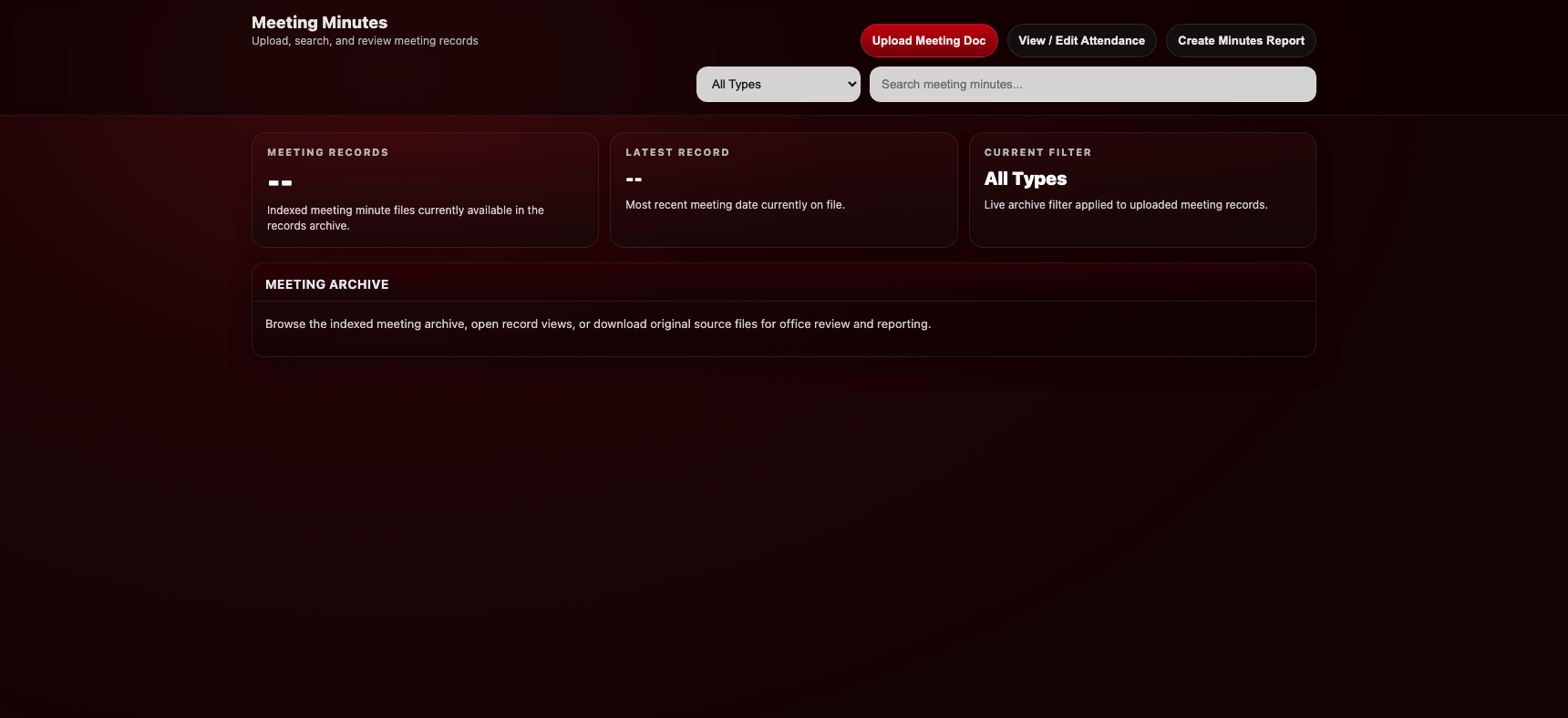
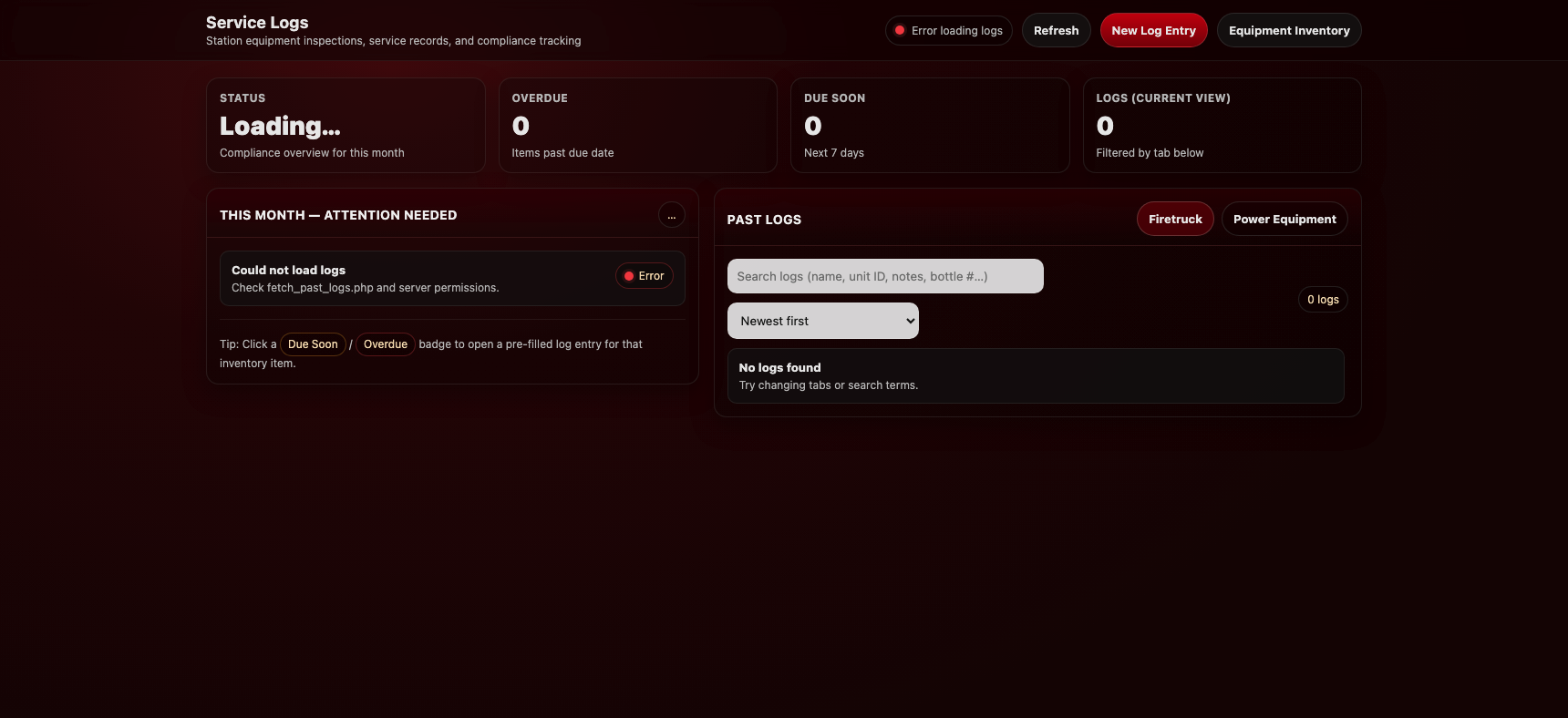
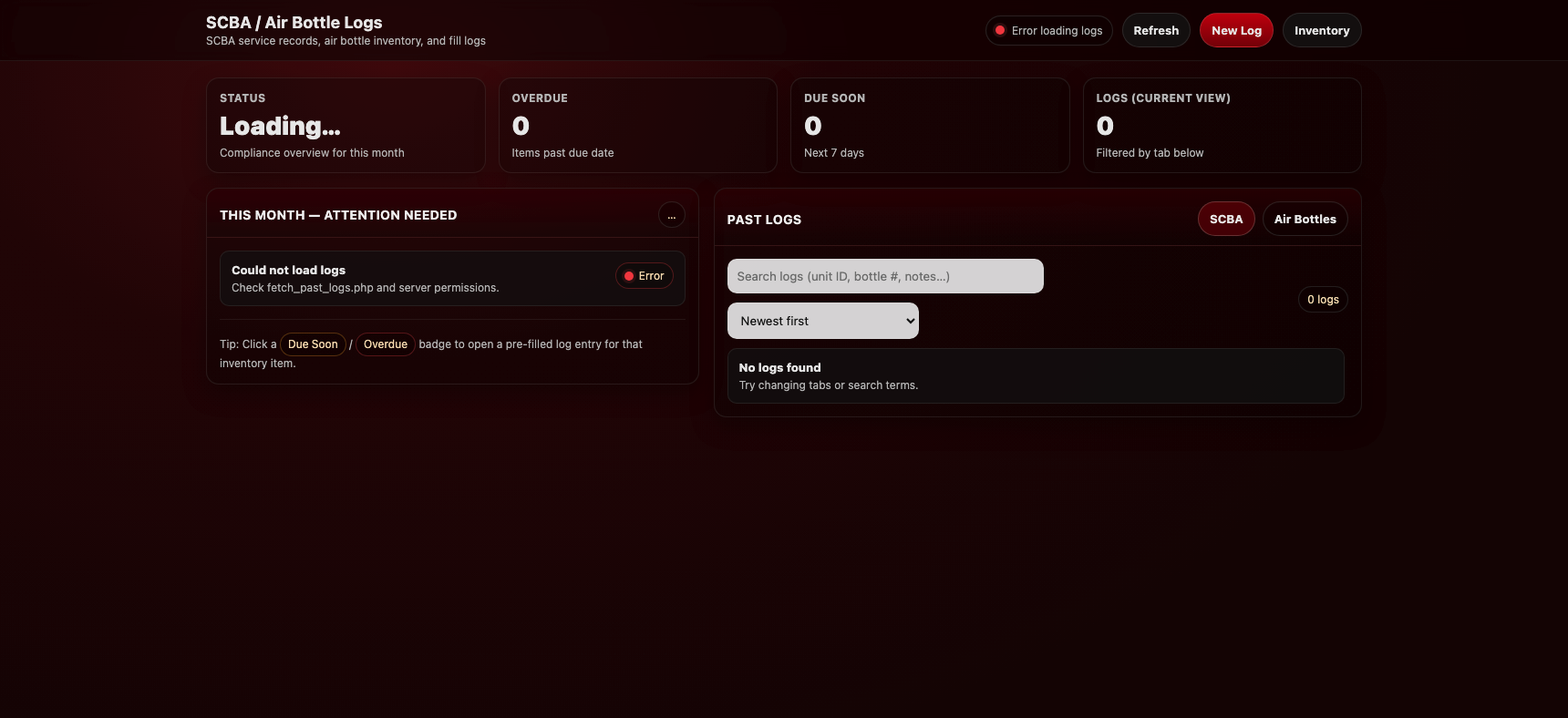
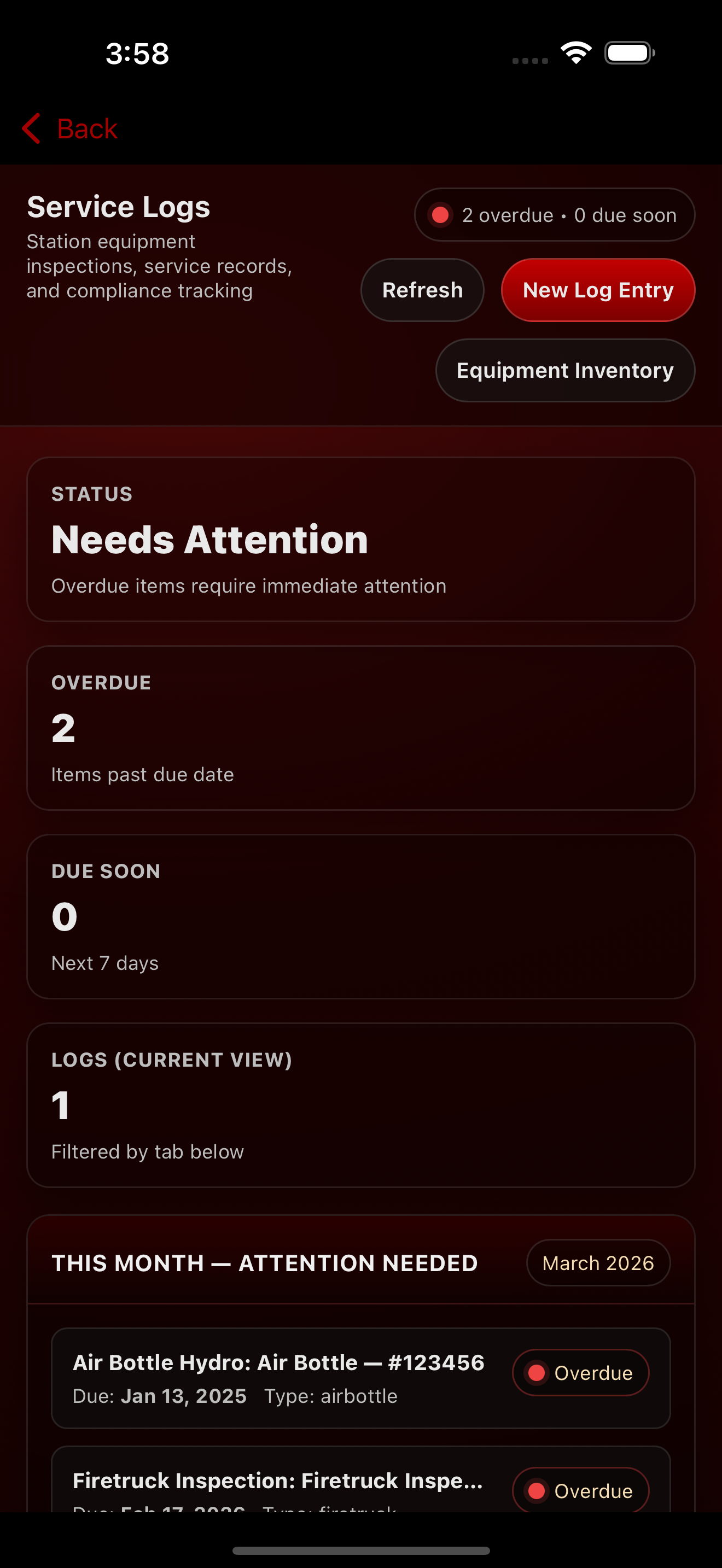
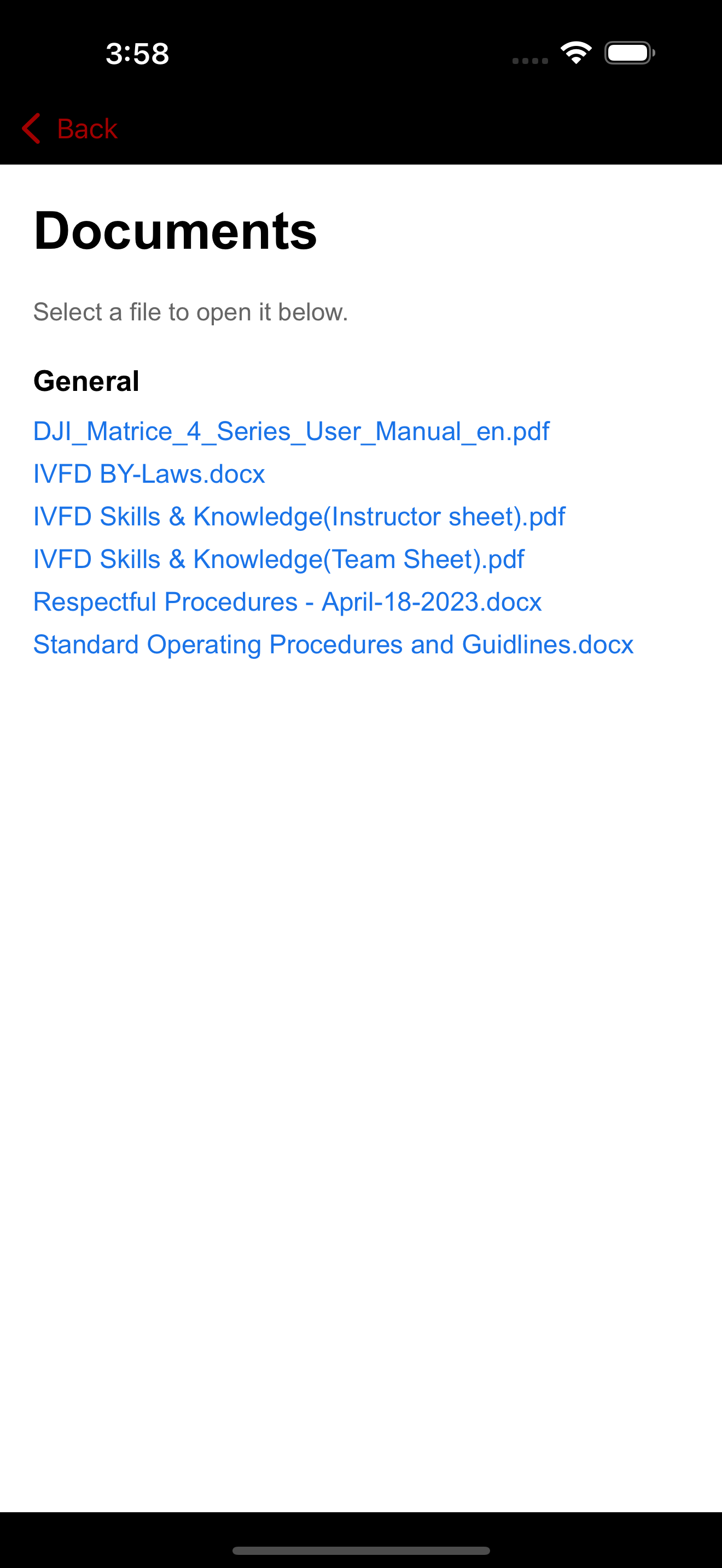
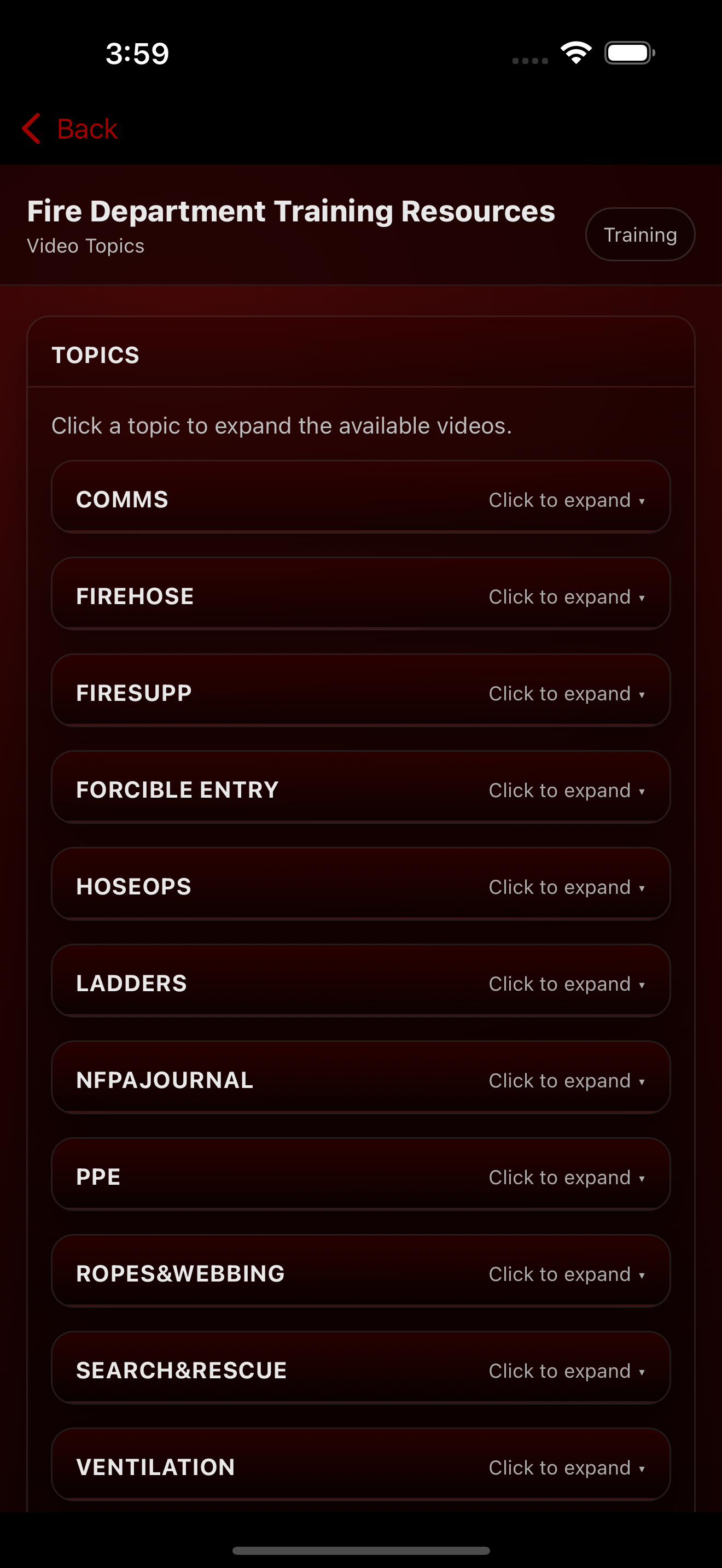
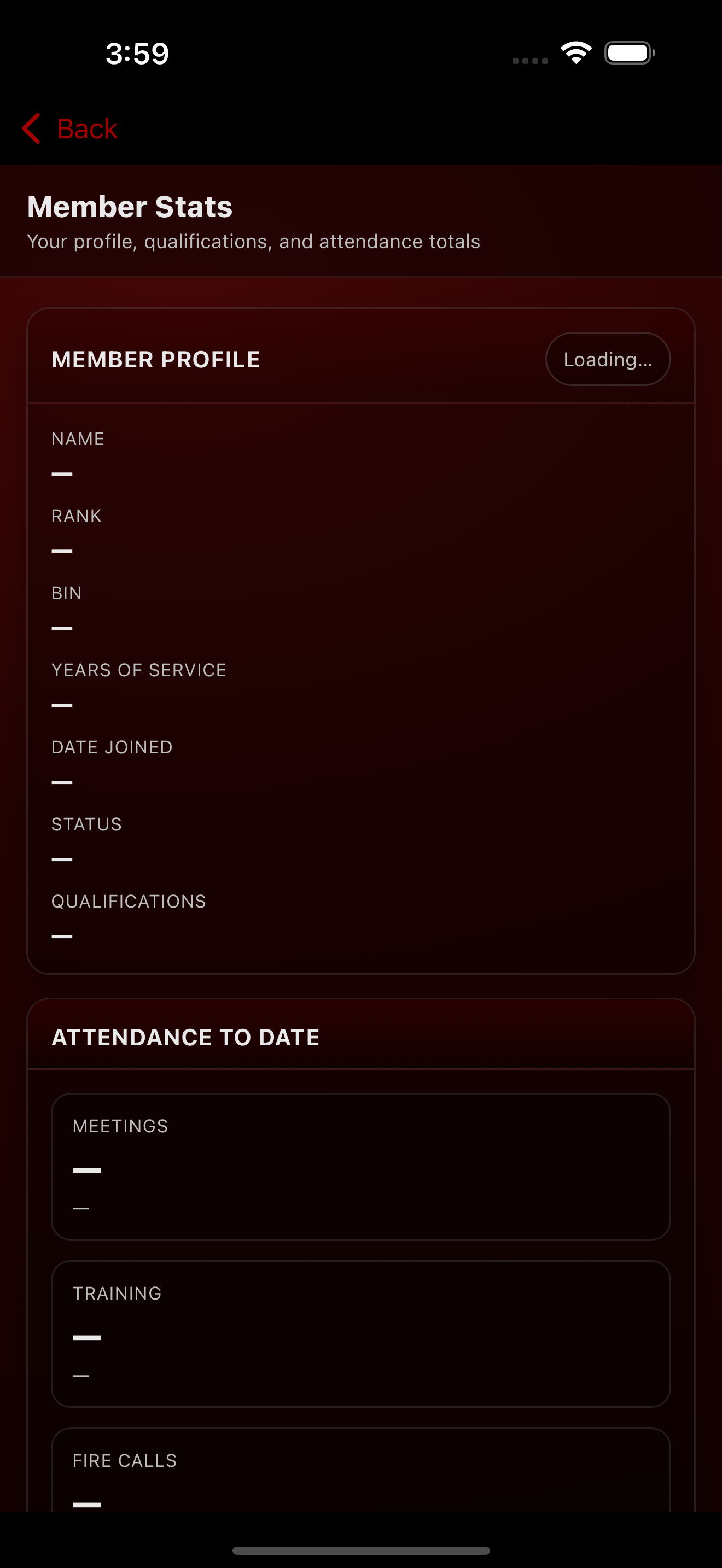
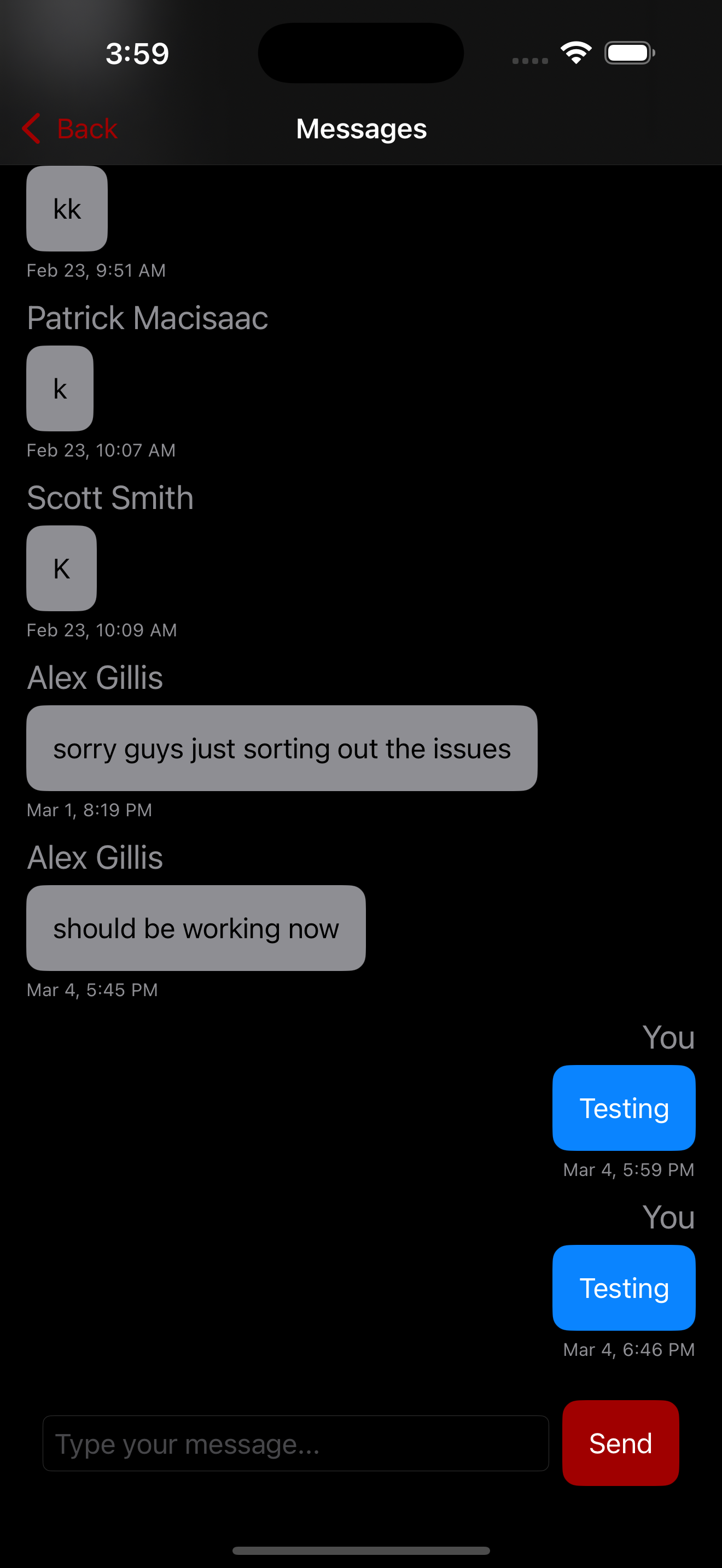
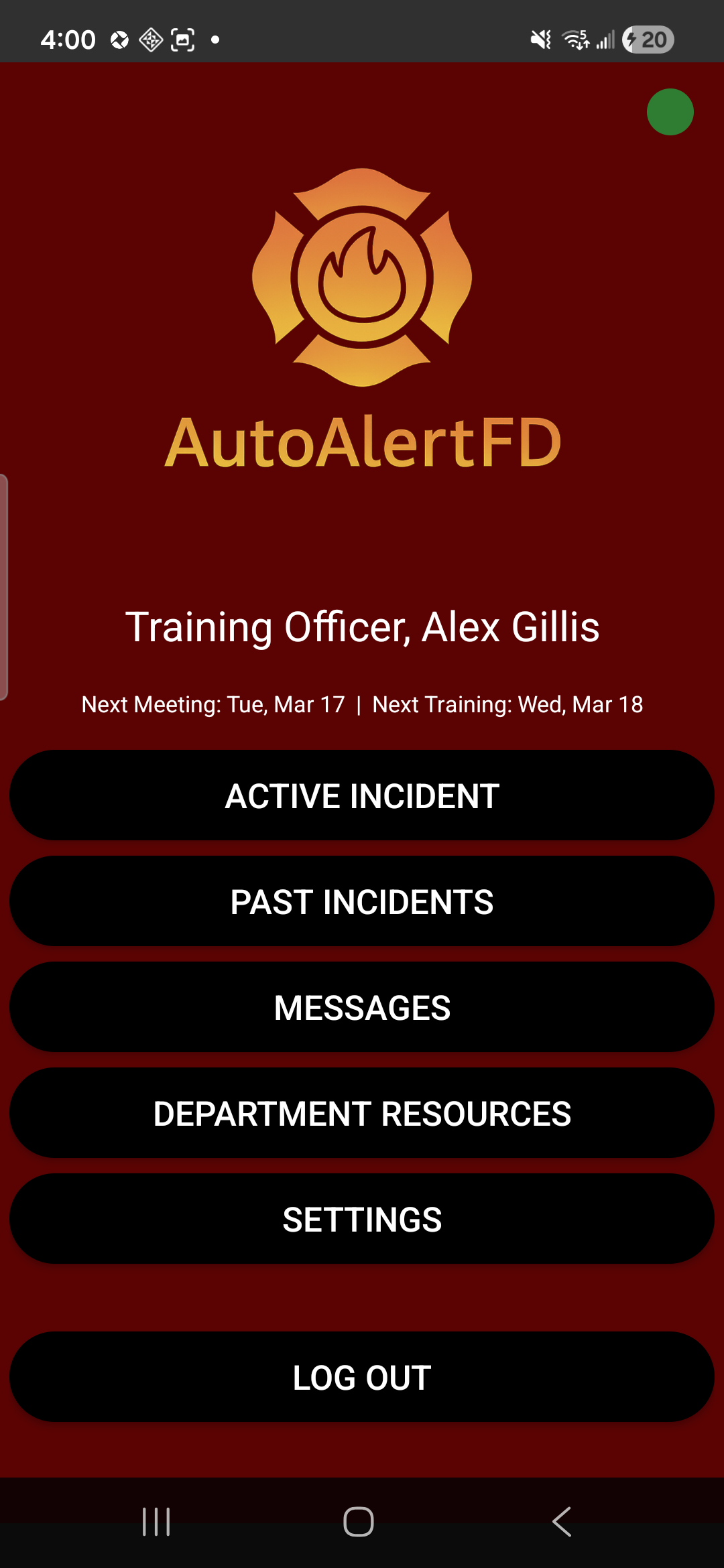
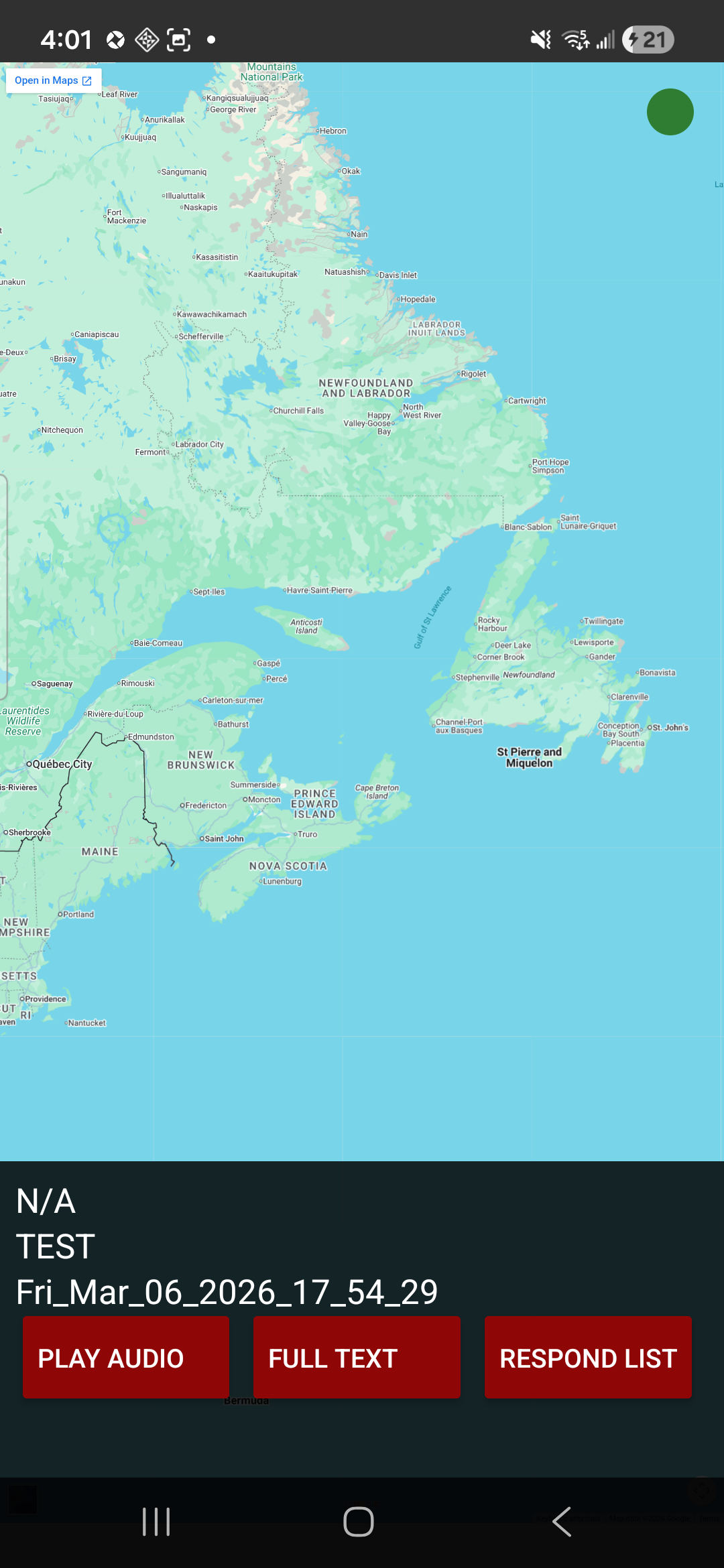
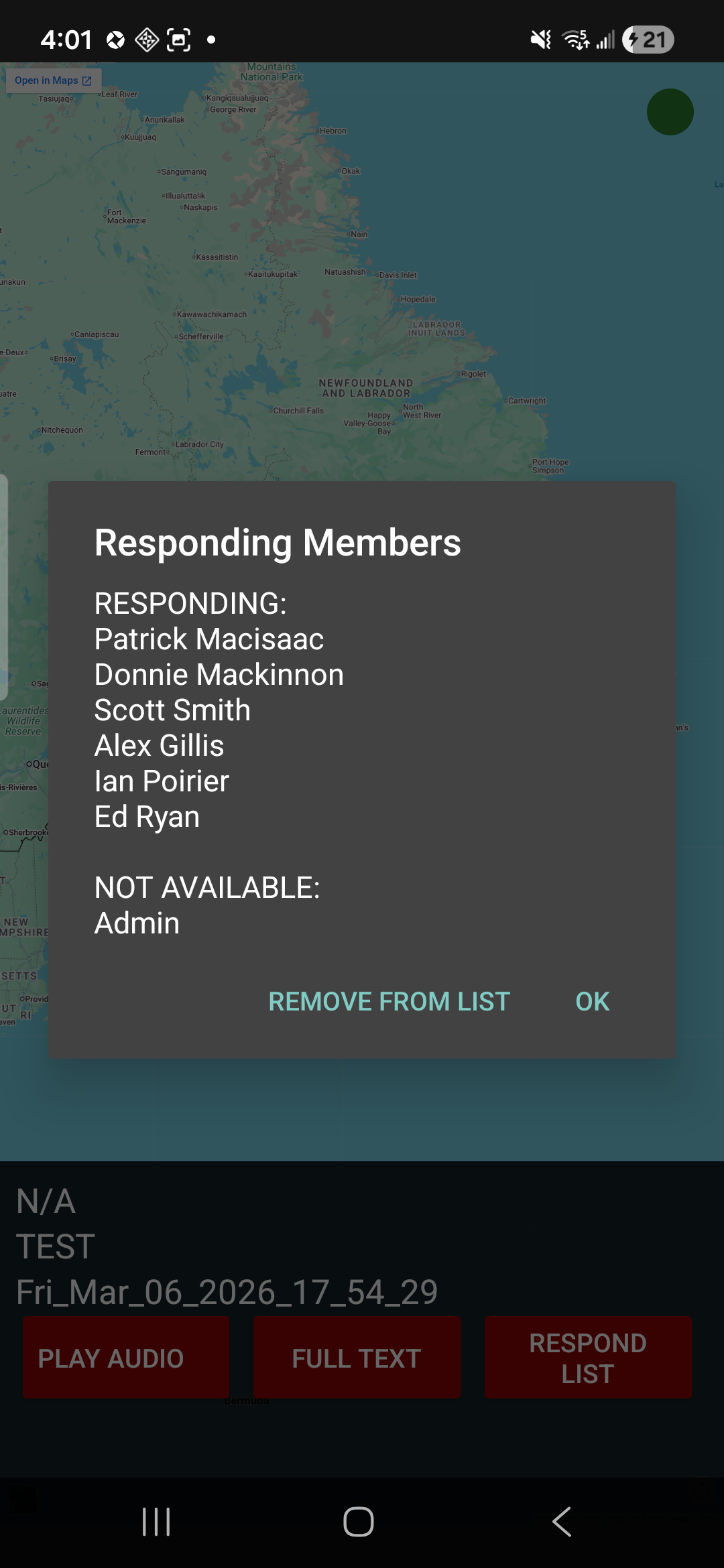
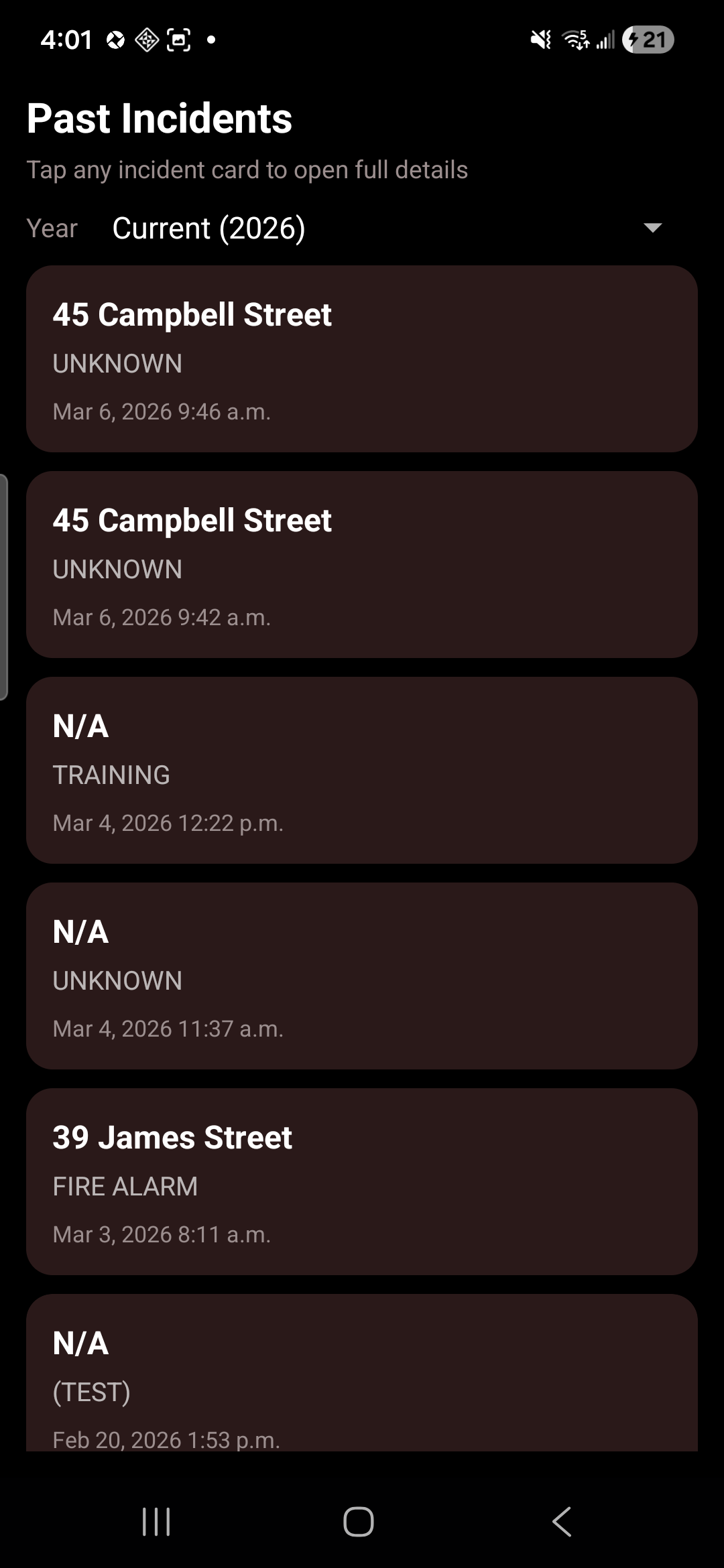
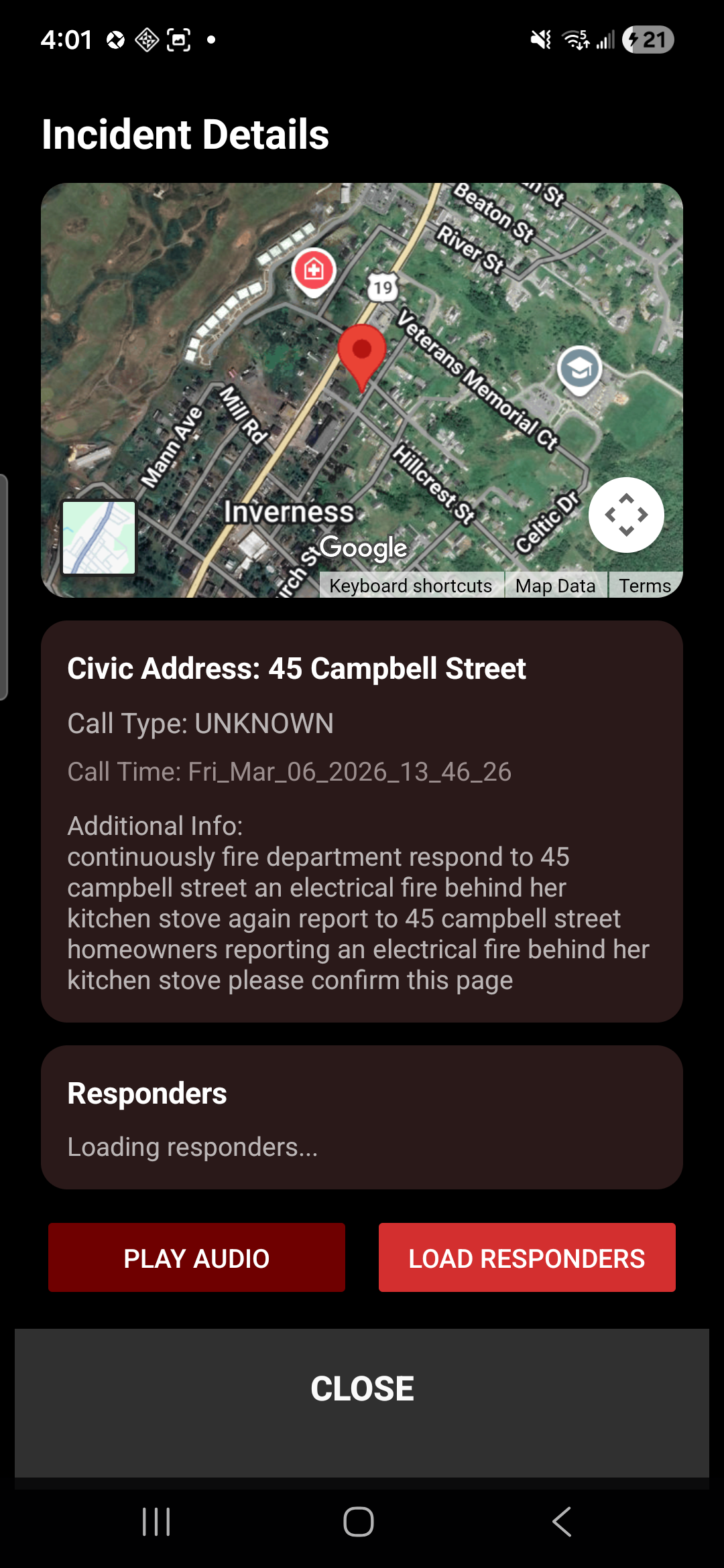
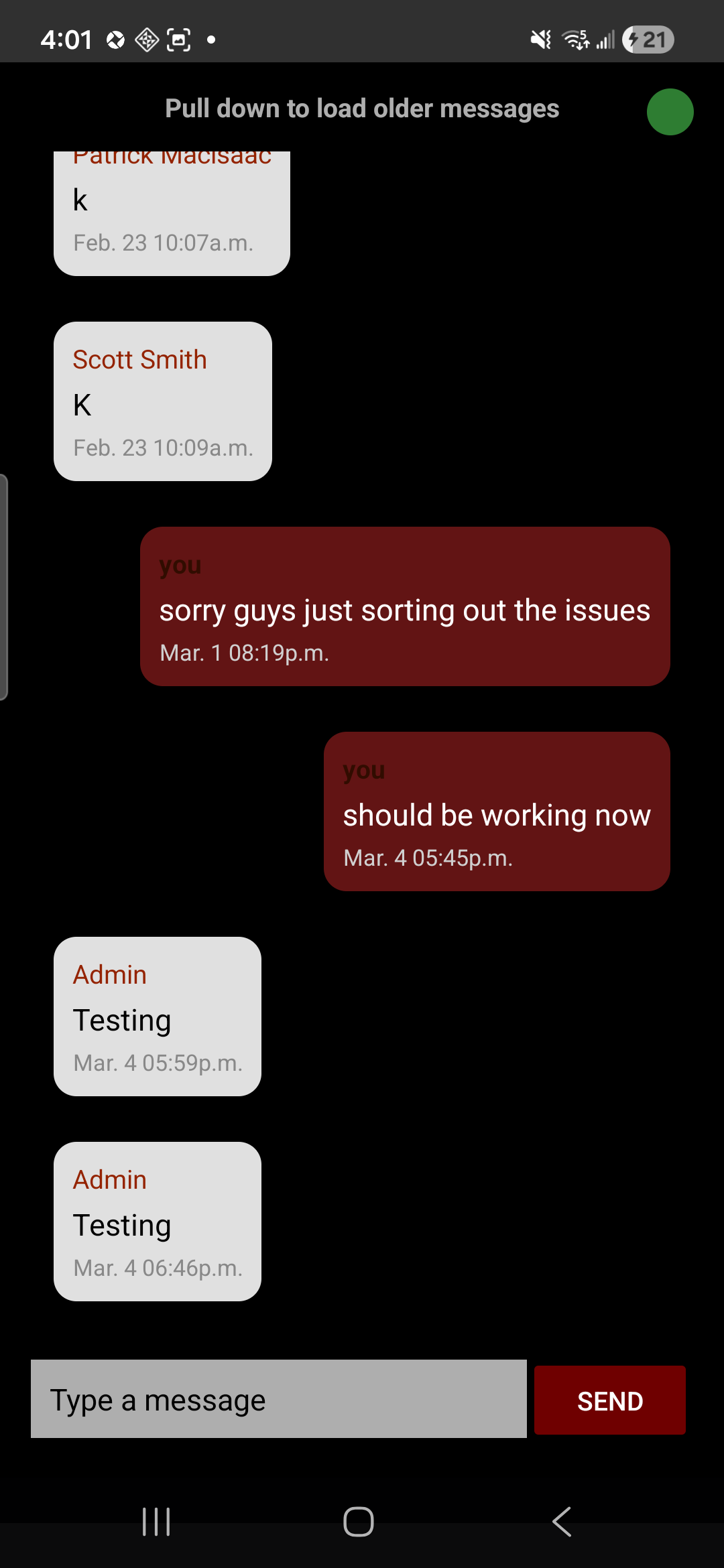
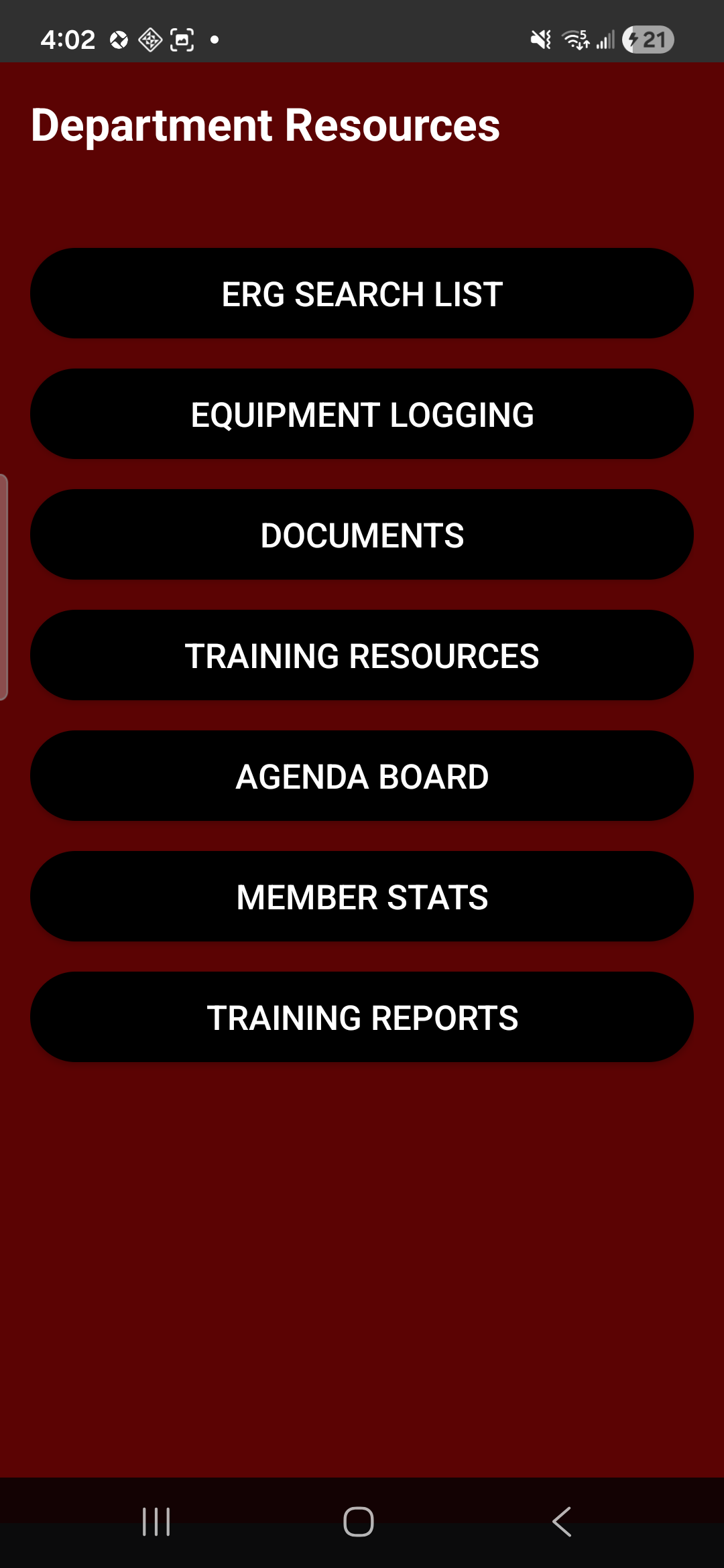
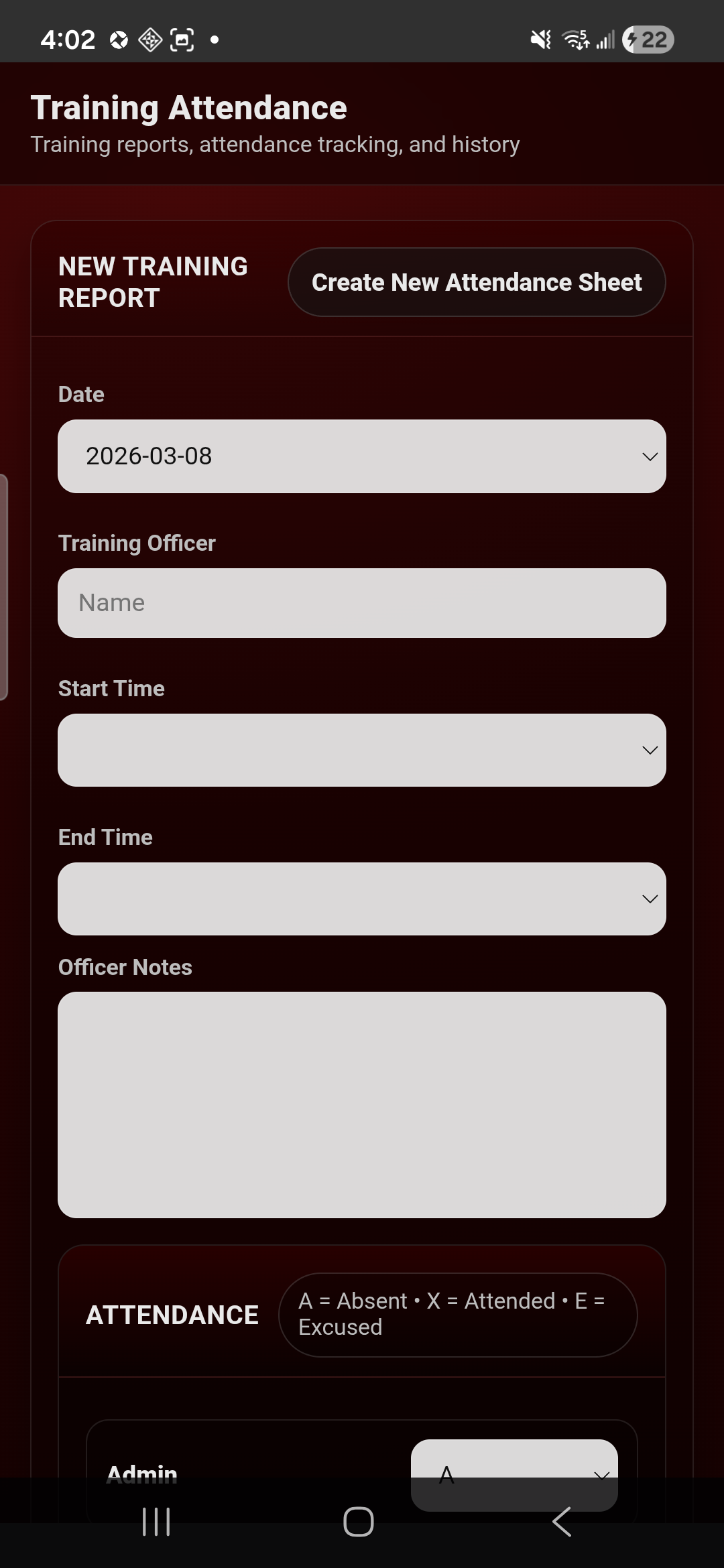
The system is designed to reduce manual follow-up after the dispatch tones drop.
Radio traffic is monitored and structured into incident data.
Mobile notifications carry the incident to the department quickly.
Officers can see response and availability as the call develops.
Incident records, logs, and reporting start from real dispatch detail instead of memory.
Live
Visible
Tracked
Ready
Reduce guesswork during response and follow-up.
The key sales questions are usually about fit, deployment, and what the system is replacing.
No. It is an operations support layer that works alongside official dispatch workflow.
No. It is intended for departments where CAD integration is unavailable or not practical.
Volunteer, rural, and mixed-call departments that need practical alerting, turnout visibility, and better reporting follow-through.
The department controls the deployment and workflow instead of depending on a third-party hosted operations stack.
The system includes a web dashboard plus iOS and Android member-facing apps.
Yes. The goal is to carry structured operational information forward so reporting starts from real dispatch data instead of manual reconstruction.
Use the inquiry form to describe your dispatch workflow, your current pain points, and what you want to improve.